
Look around Eido Build before you install it
Seven guided chapters through the real product, one screen at a time. Each one tells you where to click and shows you what happens. Start where a head of engineering would: who approved the change, what it cost, and where it ran.
Start with control
3 chapters · the questions your CFO, CISO and auditors ask
-
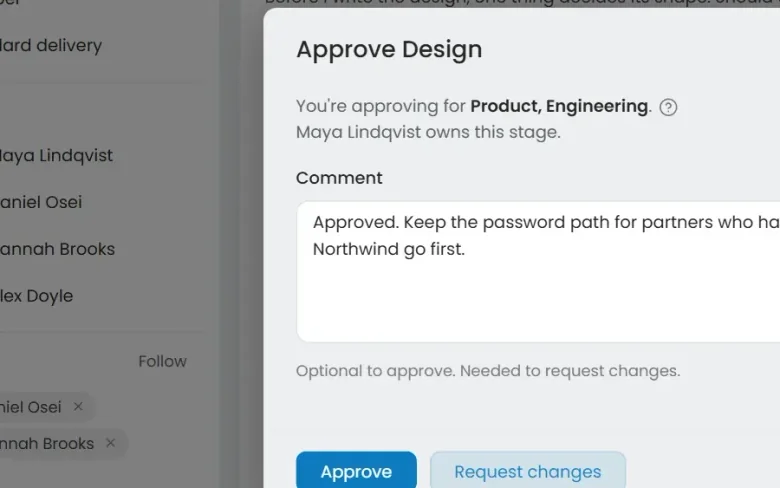 01 Governance Seen Every change goes through your gates Who decided this could ship?
-
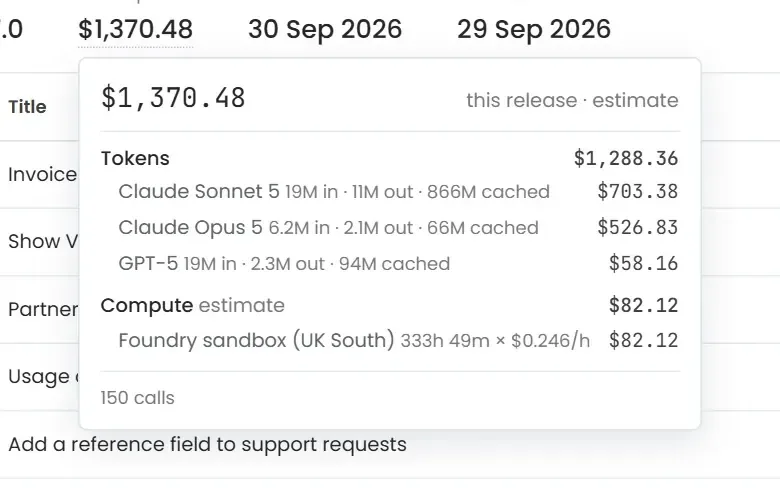 02 Cost control Seen Know what every release cost Where did the AI budget go?
-
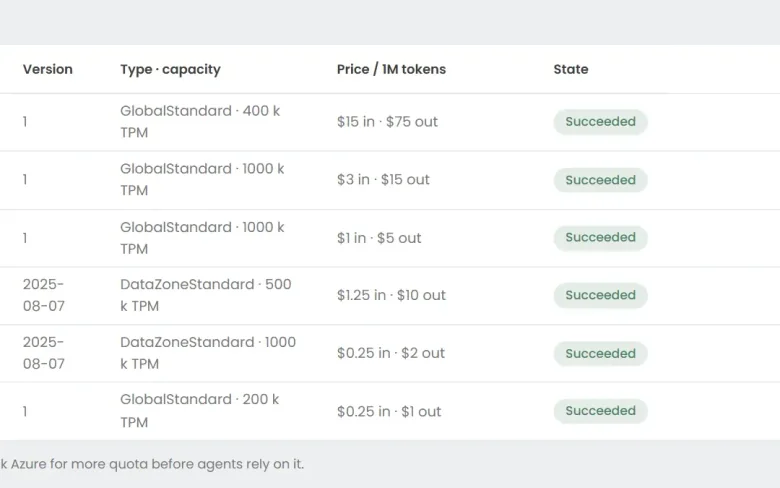 03 Foundry Seen Your models, in your Azure Can we use the models we have already approved?
Every screen is Eido Build itself, captured from a sample project. 64 steps in all, about 24 minutes end to end.
From a ticket to a merged pull request, and the work nobody asked for
Agents carry the work between your gates: design, build, review, test and merge. Always-on agents look for the work that never started as a ticket.
-
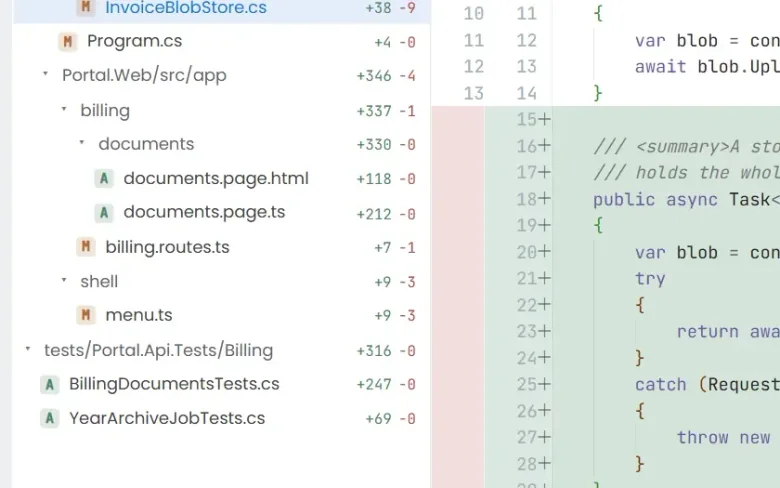 04 Ticket to merge Seen From a ticket to a merged pull request What does the work actually look like?
-
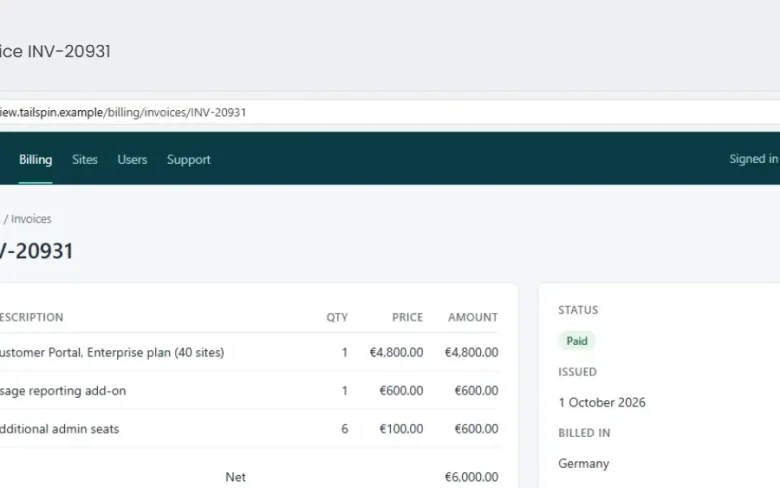 05 QA with evidence Seen Tested, with the evidence attached How do we know it actually works?
-
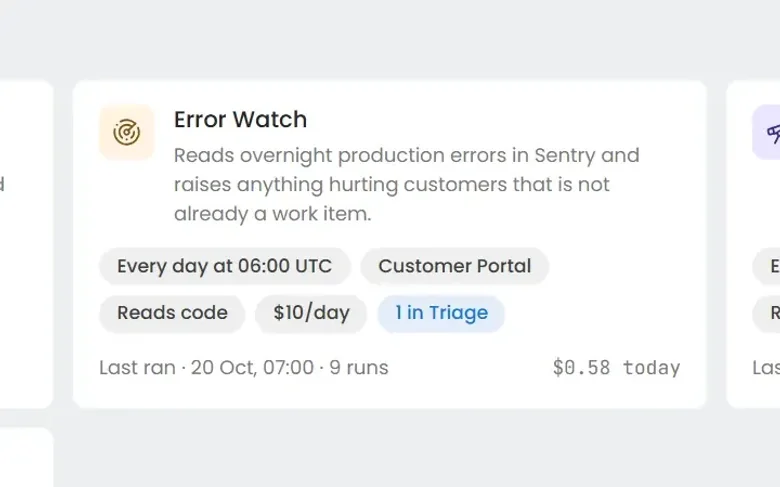 06 Always-on agents Seen Work nobody filed a ticket for What about the problems nobody has reported yet?
-
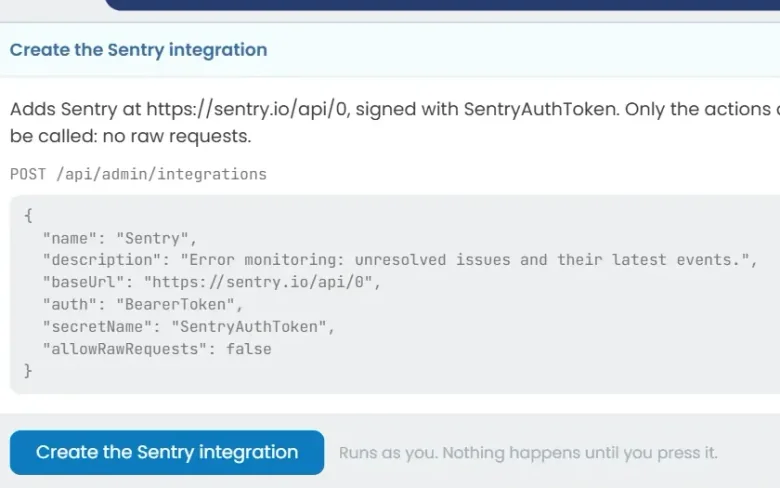 07 Build an agent Seen Build an agent in plain English Can we build our own?

The process in this tour is how Eido is built
Eido, our Microsoft Intune product, has hundreds of customers and more than 500,000 devices under management. All of it is now delivered through Eido Build. Its last release cycle:
- 1 week
- Release cycle Down from four weeks
- 4 ×
- Tickets and bugfixes In that one-week release
- 16 ×
- Engineering throughput Four times the work in a quarter of the time
See it on your own work
Install Eido Build from Azure Marketplace into your own Azure subscription, or talk to us about your teams, your repositories and your process.